Commando HQ

Roofing and exterior contractors

New York Roofing · Ultra Home Builders

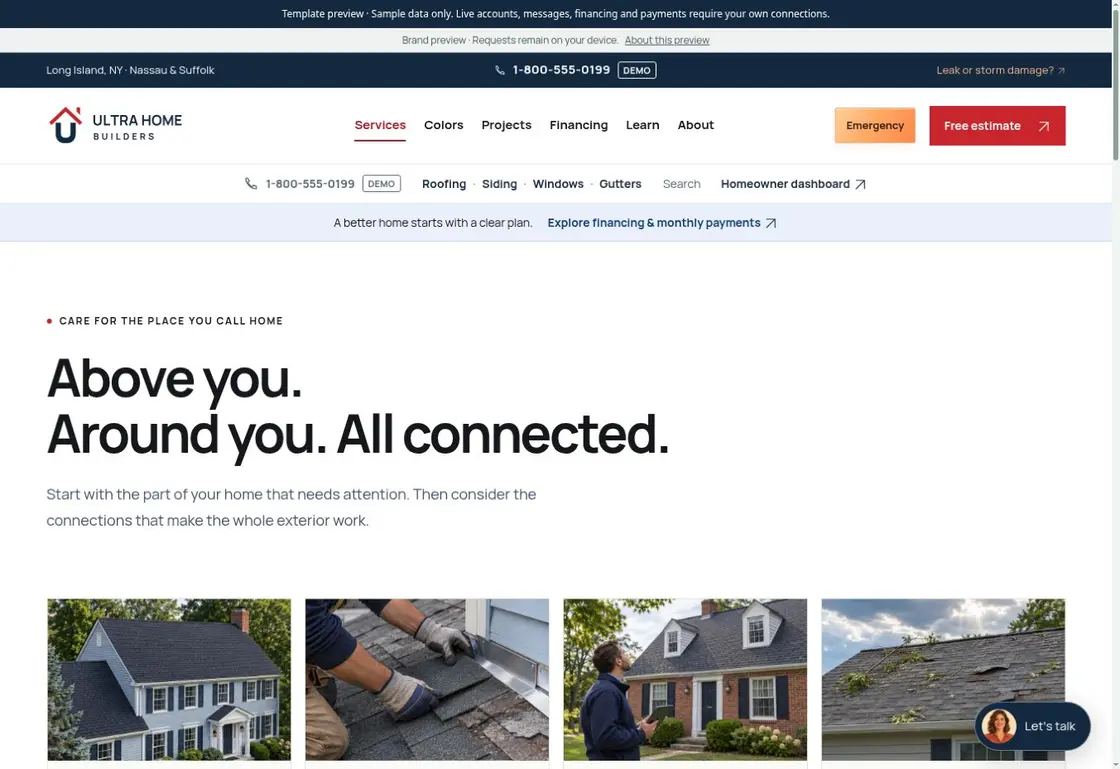
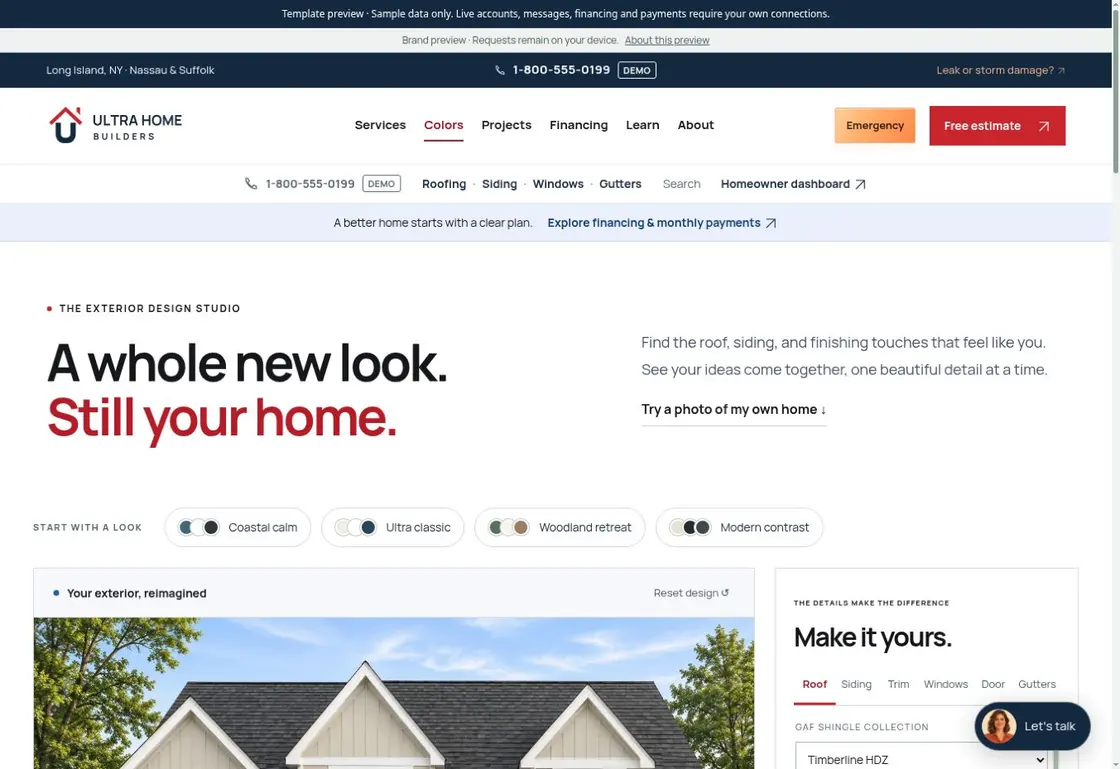
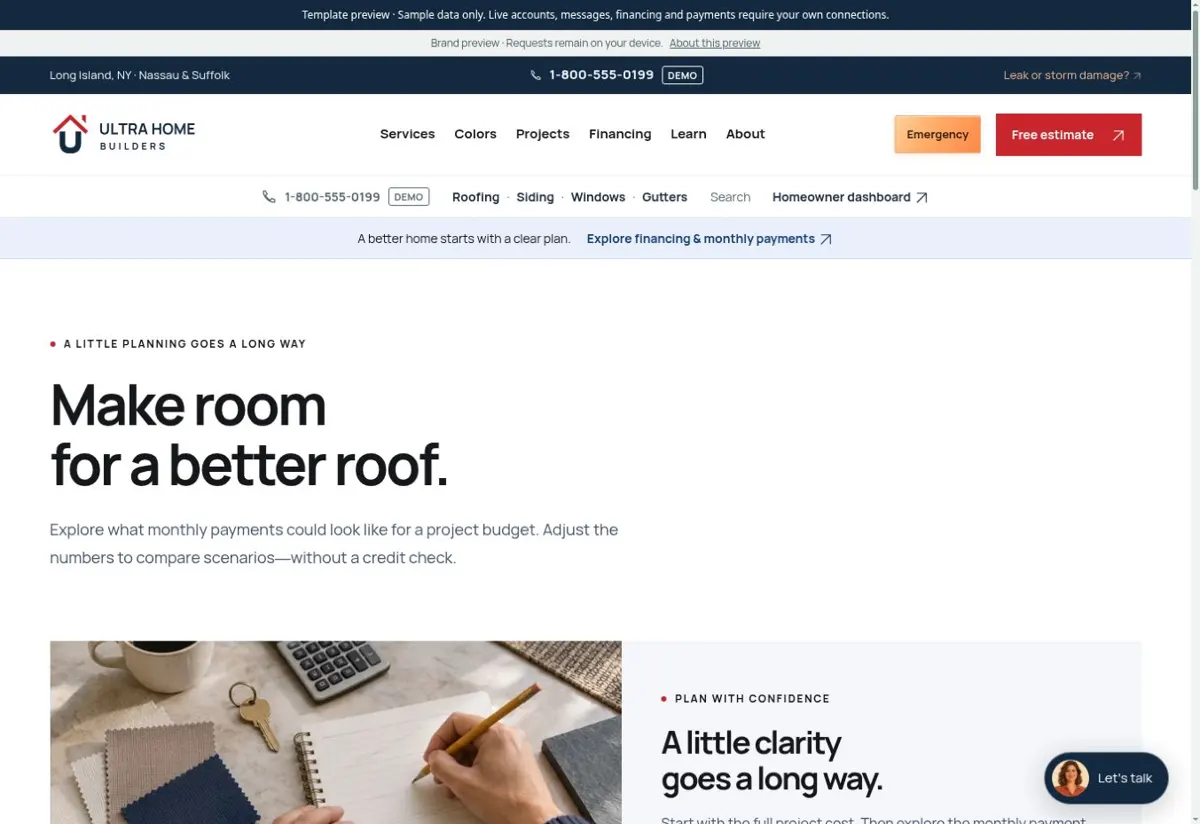
Let homeowners explore finishes and financing before they request an inspection, then carry the project into a contractor workspace.
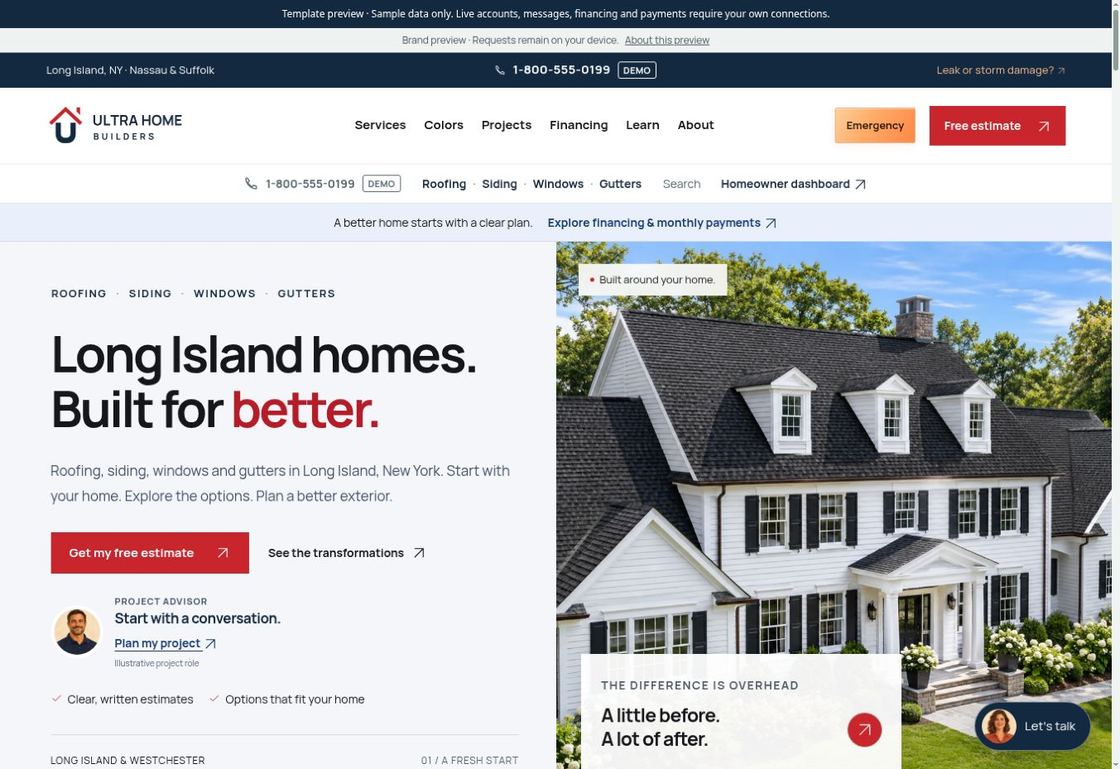
Homepage preview
New York Roofing · Ultra Home Builders homepage
Pages in the example
108
Featured destinations
11
Editable source files
88

Product tour

See what your customers can do

Explore 11 featured destinations

The business owner’s side

Your team’s HQ

Start a private project, review the customer experience on desktop or mobile, and edit the site before launch. In HQ, you can brief specialist Commandos and review their proposed work.

When you’re ready for customers, the launch checklist below identifies the accounts and services your business needs.

See this template’s launch checklist →
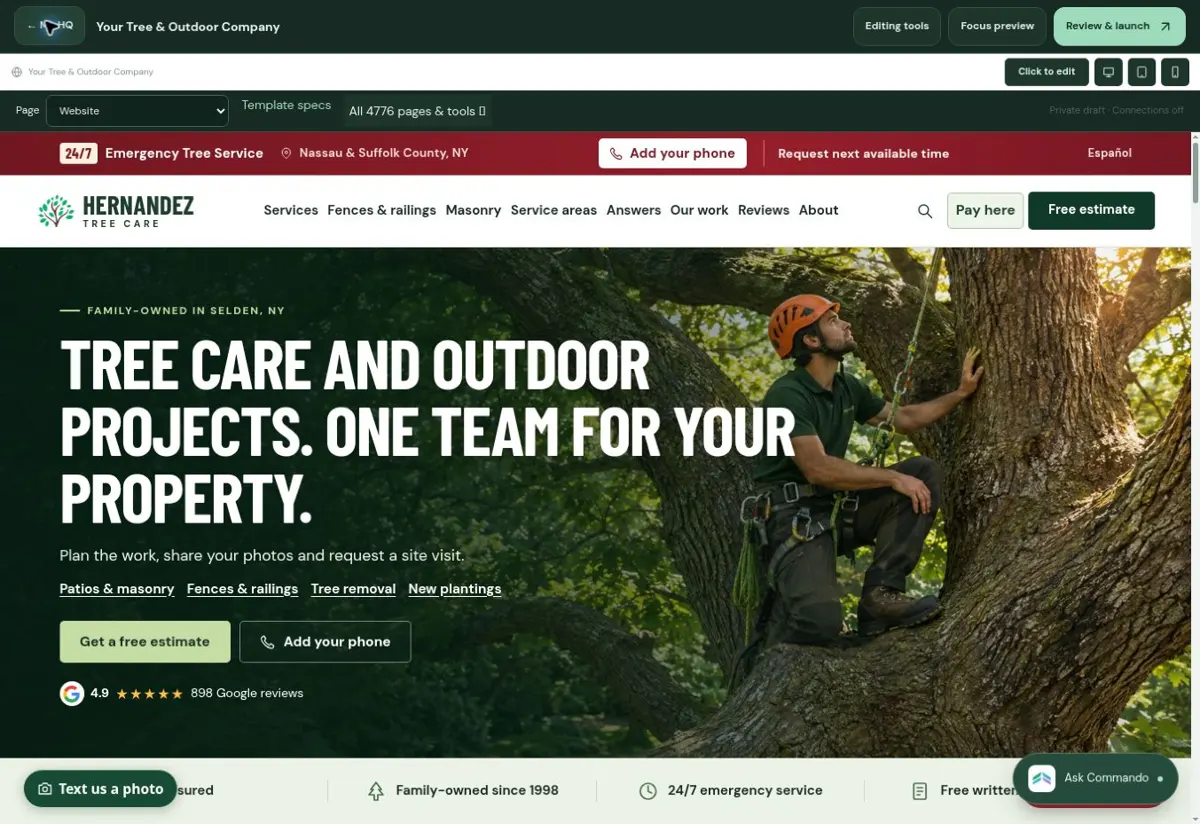
A private Hernandez project open in the Commando HQ site editor
The project editor, shown with a sample tree care business.

The website

What’s included

  • Complete public roofing and exterior website with services, community pages and original imagery
  • Interactive roof, siding, trim, window, door and gutter color studios
  • Estimate planning, financing calculator, project inspiration and homeowner resources
  • Company workspace with sample projects, estimates, agreement PDFs, invoices and tasks
  • Homeowner dashboard, careers, search and guided site assistant
  • Original API handlers, database schema, workspace functions and verification scripts
Page count breakdown

Counts include distinct pages and tools in the example site. Your service area and content determine the size of your copy.

guides
26
service areas
22
services
13
financing
5
before and after
3
Other pages and tools
39

From the customer’s side

How a visit unfolds

  1. Explore an exterior service
  2. Choose roof or siding colors
  3. Request an inspection
  4. Review the estimate and project documents

Appointments & follow-up

Homeowners prepare an estimate request. Your team confirms the inspection and connects scheduling for live availability.

Invoices & payments

The company workspace includes invoice and agreement preparation. Connect the business’s payment provider to collect funds.

Discovery

Search & AI visibility

Search engines (SEO)

Exterior services, community pages and project guides give each type of work a search destination.

Answer engines (AEO)

Homeowner guides answer questions about storm damage, estimates, materials and financing preparation.

Generative engines (GEO)

A public AI-assistants page and service guides describe the contractor’s work and project options.

Before going live

What you connect

  • Replace example branding, contact details, service areas, team and business claims
  • Create separate customer accounts, private file storage and staff permissions
  • Connect approved scheduling, email, payments and financing providers
  • Review local agreements, disclosures and project pricing before live use
  • Verify customer isolation and end-to-end submissions before publishing

The preview uses example content. Your team activates its own accounts when it launches.

Use this templateBrowse all templates