
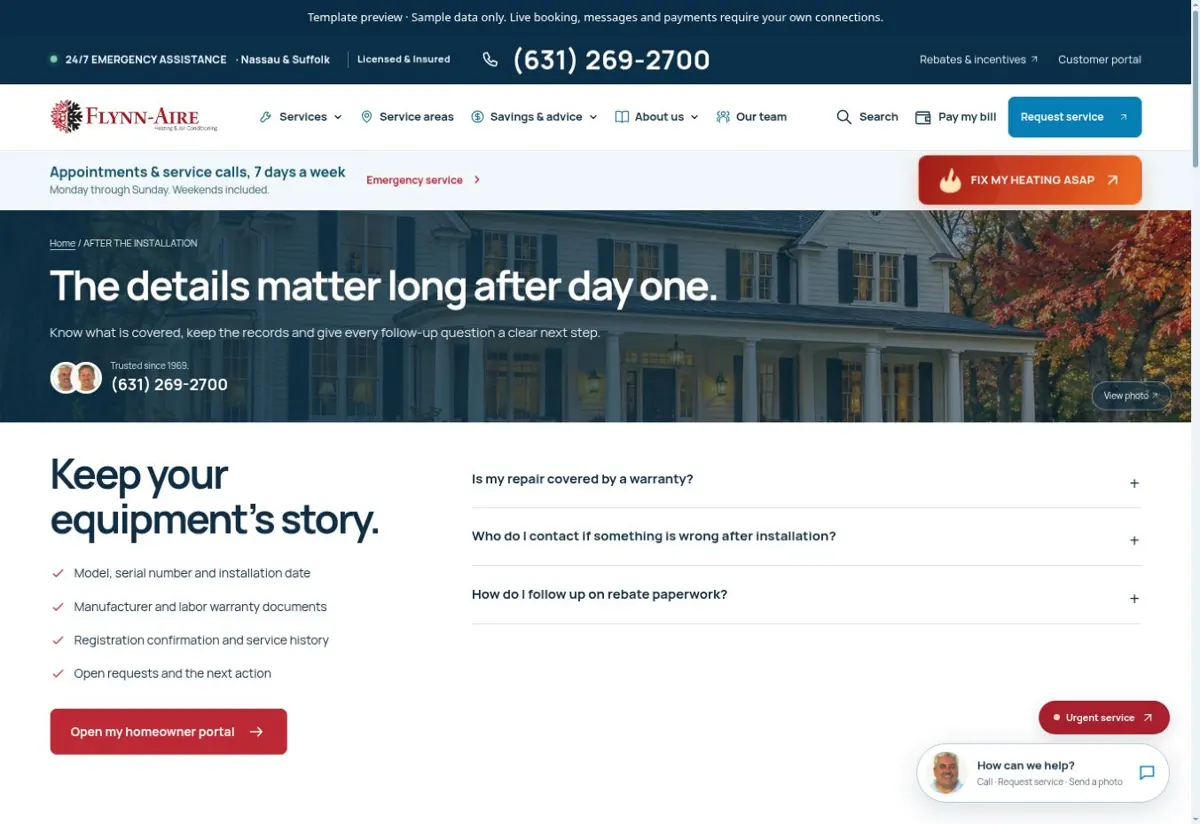
HVAC service and maintenance teams
Flynn Aire · Home Comfort
Bring repair requests, maintenance plans and equipment history together so a first service call can lead to the next visit.
- Pages in the example
- 577
- Featured destinations
- 16
- Editable source files
- 201
Product tour
See what your customers can do
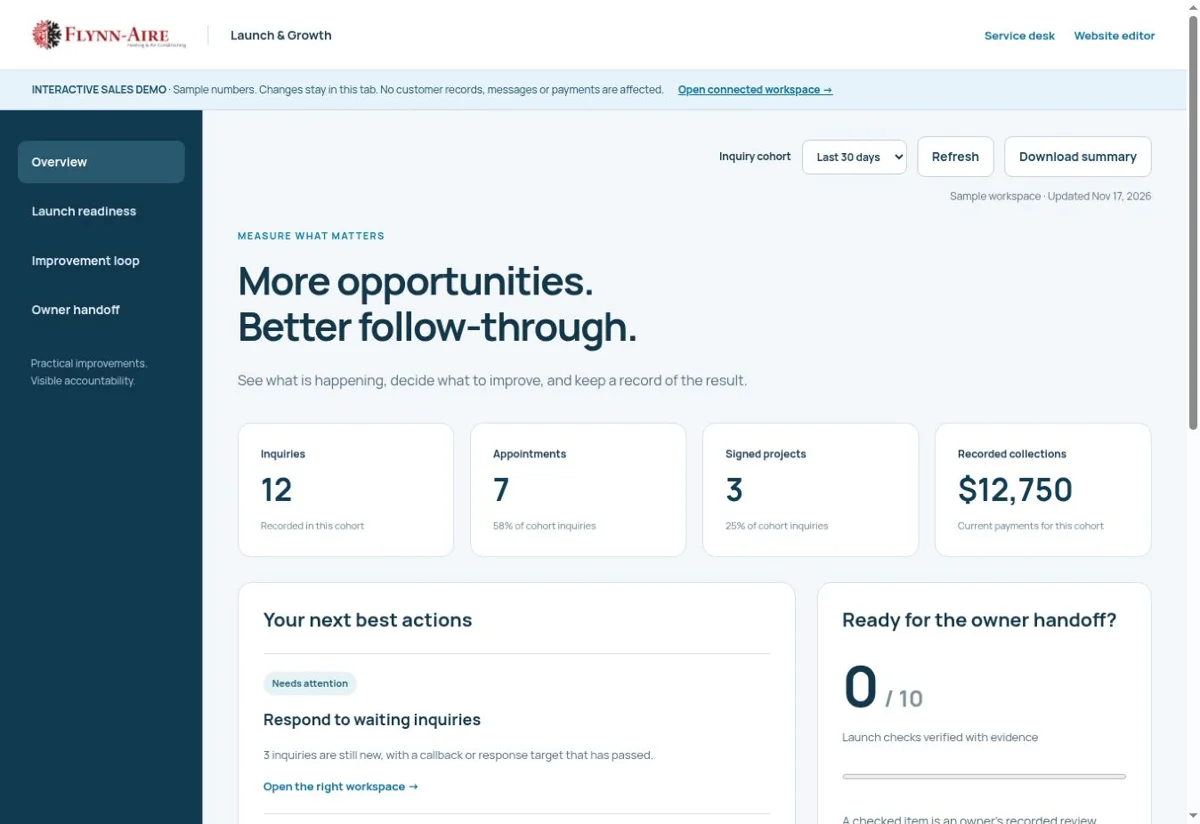
The business owner’s side
Your team’s HQ
Start a private project, review the customer experience on desktop or mobile, and edit the site before launch. In HQ, you can brief specialist Commandos and review their proposed work.
When you’re ready for customers, the launch checklist below identifies the accounts and services your business needs.
See this template’s launch checklist →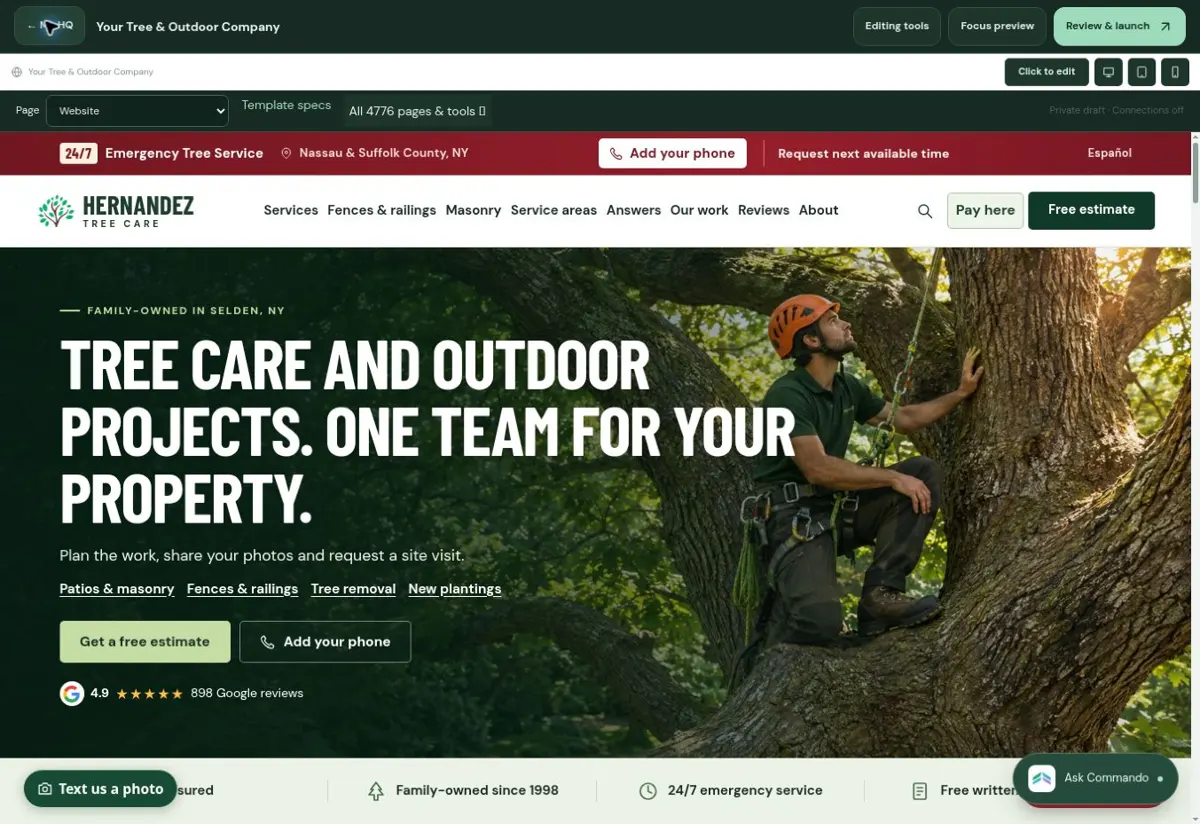
The website
What’s included
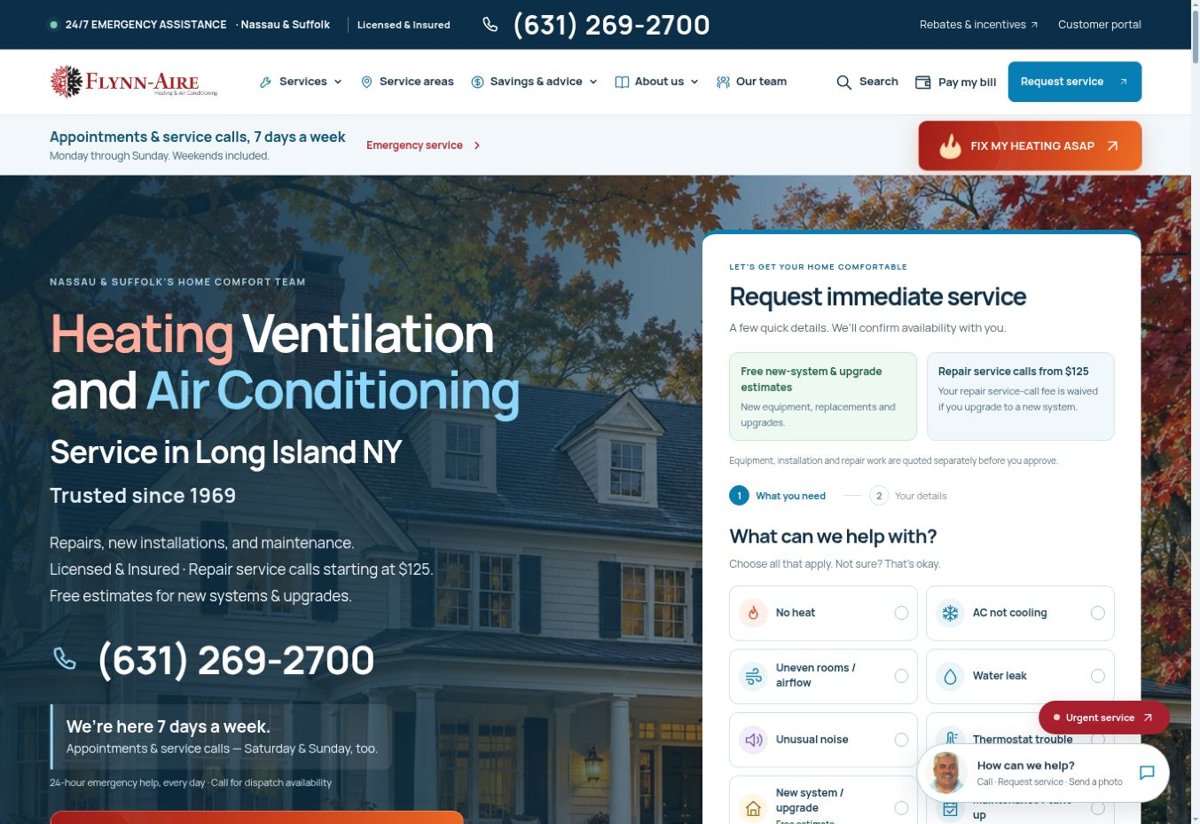
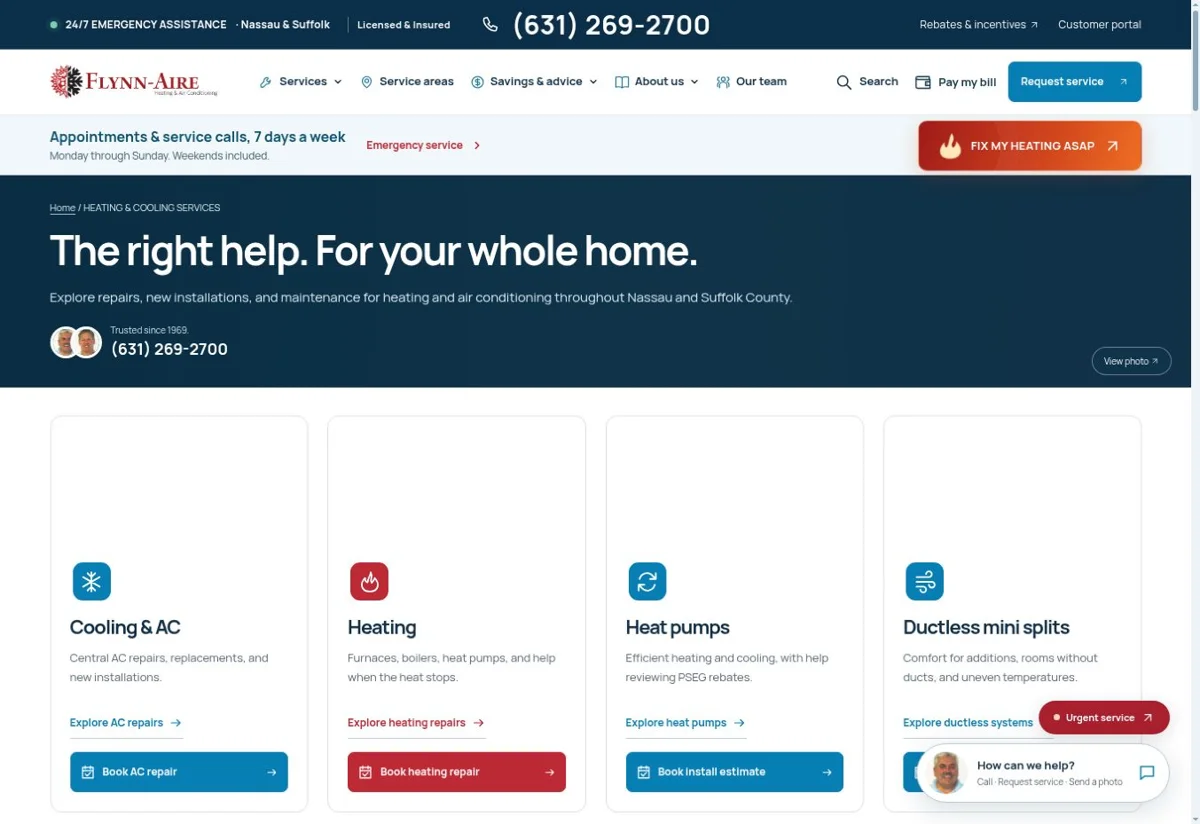
- Full public website, service guides, FAQs, insights and local content
- Repair versus new-system estimate pathways and callback preferences
- Recurring maintenance planning, Comfort Club and renewal interfaces
- Equipment, warranty, inspection report, photo and service-history interfaces
- Referral qualification, invoices, payment links and prepayment planning
- Owner publishing for jobs, photos and announcements with social page links
- Launch checklist, recorded performance and reviewed improvement plans
- Complete backend, migrations, verified identity and private-storage source
- Company profile, brand studio and bounded Company HQ growth workflows
- Expiring request drafts, preserved custom callback windows and interrupted-request retry protection
- Seasonal care and walkthrough notes carry into service and maintenance requests
- Edited maintenance dates stay intact; failed photos can retry on the saved request
Page count breakdown
Counts include distinct pages and tools in the example site. Your service area and content determine the size of your copy.
- service areas
- 374
- insights
- 106
- services
- 23
- learn
- 5
- team
- 3
- Other pages and tools
- 66
From the customer’s side
How a visit unfolds
- Choose repair, an estimate or maintenance
- Describe the equipment and preferred callback
- Review the service report and warranty
- Carry seasonal notes into maintenance
- Use the project walkthrough and prepare a follow-up
- Renew maintenance or pay an invoice
Appointments & follow-up
Repair and maintenance requests preserve contact details, custom callback windows and edited visit dates. Seasonal-care and walkthrough notes carry into requests. Failed photos can retry on the saved request. Connect the office calendar and service desk to confirm availability.
Invoices & payments
The payment area includes invoices, payment links and prepayment planning. Enable the company’s own merchant account for collection.
Discovery
Search & AI visibility
Search engines (SEO)
Service, equipment and local coverage pages give heating and cooling searches distinct destinations.
Answer engines (AEO)
Repair guides, comparison articles and FAQs help homeowners decide what service to request.
Generative engines (GEO)
The AI-assistants page organizes public service information for discovery alongside the homeowner learning library.
Before going live
What you connect
- Approve your own identity, people, photos, geography, office and service hours
- Review repair pricing, estimate policy, maintenance, warranty, referral and financing terms
- Provision a separate backend, storage, verified owner and customer permissions
- Connect and test your own email, SMS, scheduling, payment and social providers
- Complete launch evidence, privacy isolation, restore and end-to-end tests before indexing
The preview uses example content. Your team activates its own accounts when it launches.