Commando HQ

Equipment finance firms

Autonomous Capital

Give operators and vendors a clear way to match an equipment purchase with a financing conversation.

Homepage preview
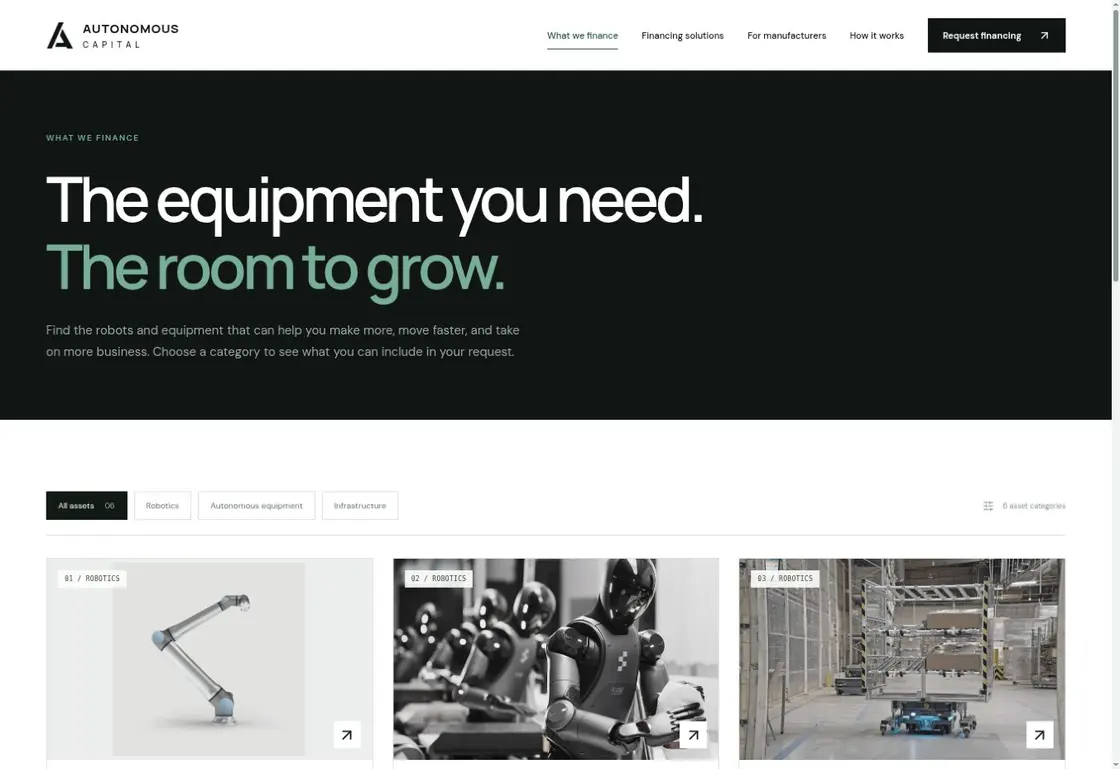
Autonomous Capital homepage
Pages in the example
21
Featured destinations
9
Editable source files
41

Product tour

See what your customers can do

Explore 9 featured destinations

The business owner’s side

Your team’s HQ

Start a private project, review the customer experience on desktop or mobile, and edit the site before launch. In HQ, you can brief specialist Commandos and review their proposed work.

When you’re ready for customers, the launch checklist below identifies the accounts and services your business needs.

See this template’s launch checklist →
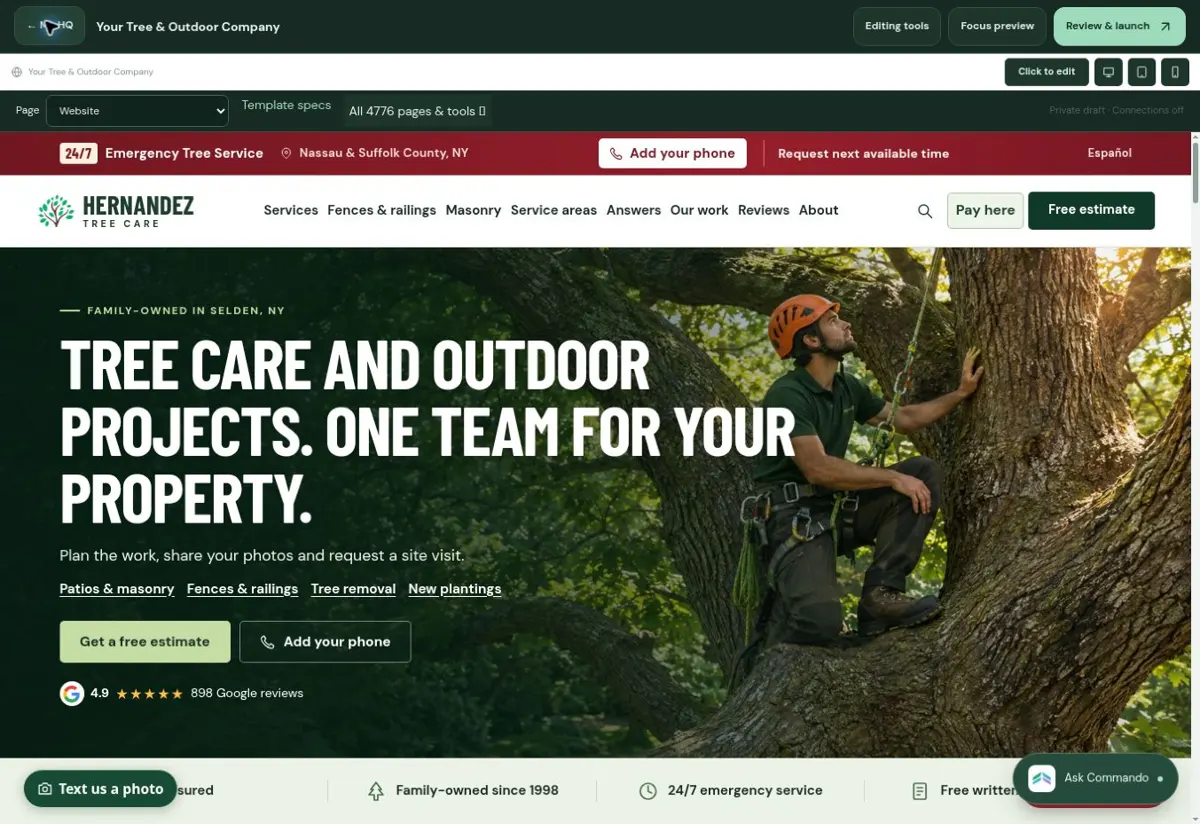
A private Hernandez project open in the Commando HQ site editor
The project editor, shown with a sample tree care business.

The website

What’s included

  • Complete 21-page financing website with original equipment imagery and animations
  • Six equipment categories with detailed buying and project-planning pages
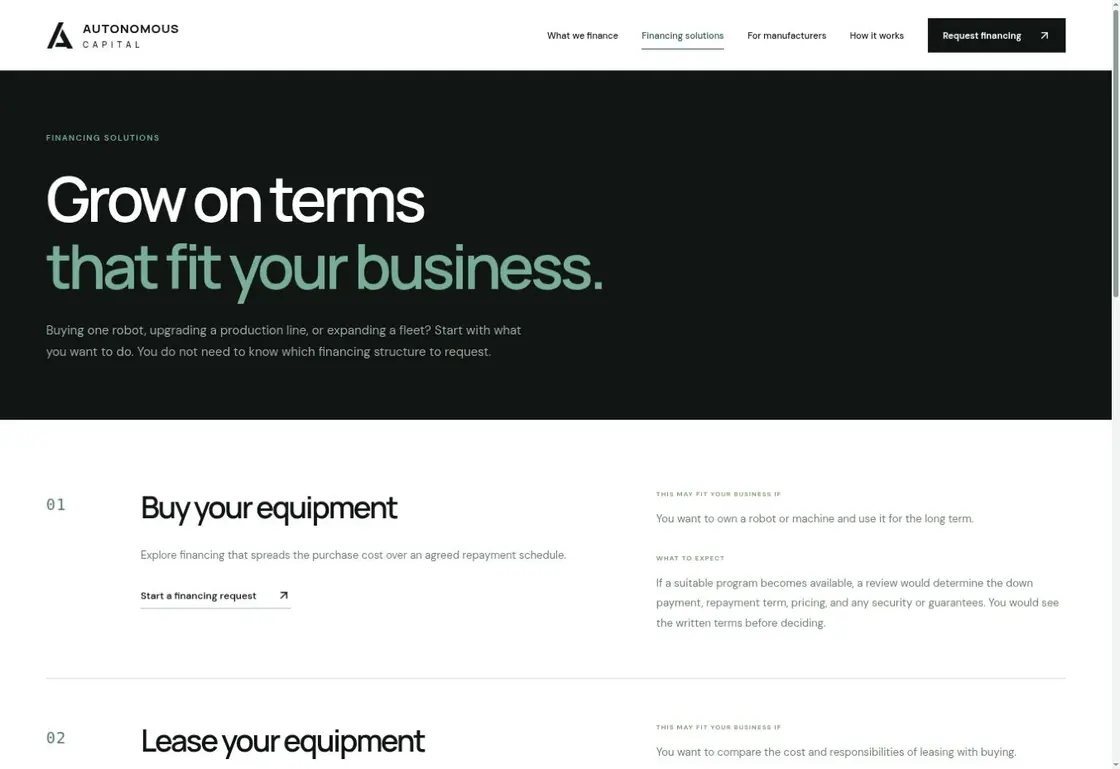
  • Four financing solution pathways for purchases, leasing, staged expansion and vendor programs
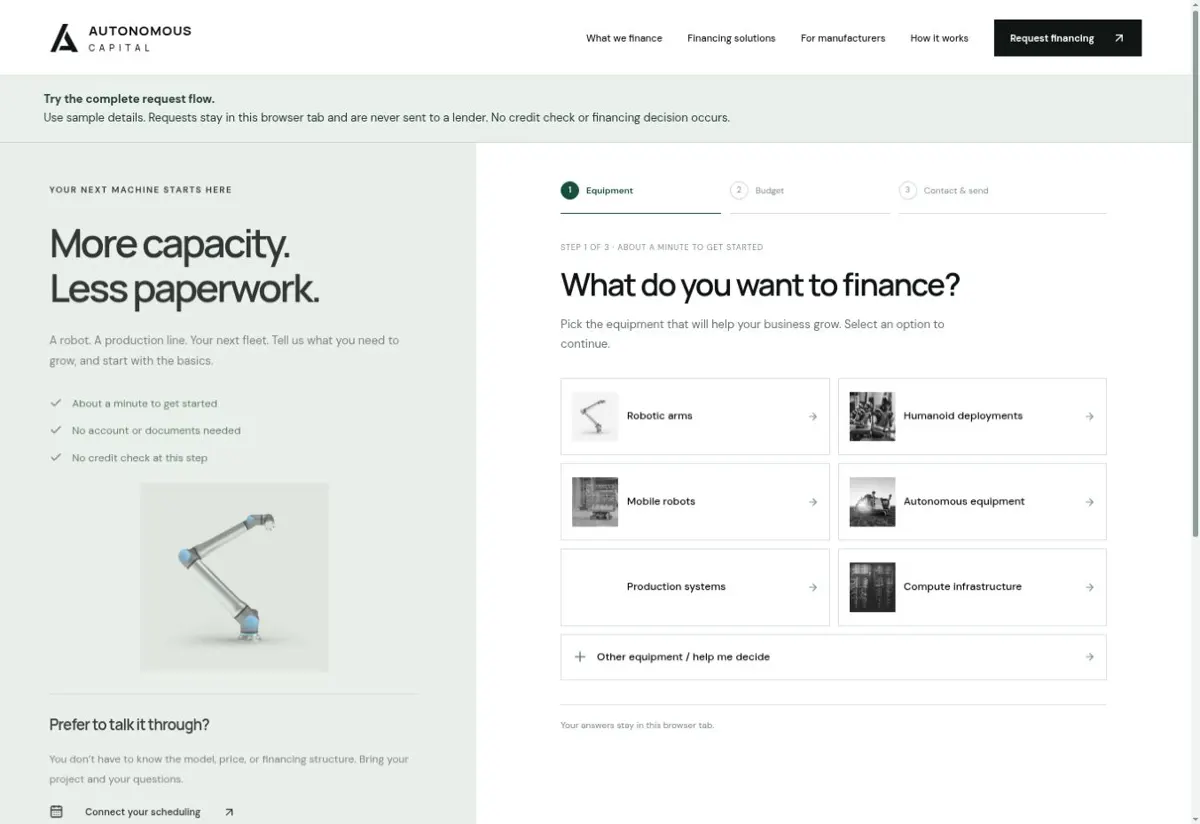
  • Three-step equipment, budget and contact request with resumable tab-local drafts
  • Separate manufacturer, vendor and capital-partner inquiry flows
  • Three articles, FAQs, source credits and financing disclosures
  • Original Next.js source, validation schemas, inquiry API and private-storage integration
Page count breakdown

Counts include distinct pages and tools in the example site. Your service area and content determine the size of your copy.

what we finance
7
perspectives
4
Other pages and tools
10

From the customer’s side

How a visit unfolds

  1. Identify the equipment
  2. Review a financing structure
  3. Submit the financing or partner inquiry
  4. Have the team review the request

Appointments & follow-up

Borrower and partner inquiries initiate follow-up with the finance team. Appointment scheduling is a separate connection.

Invoices & payments

The financing request is an application workflow. Loan servicing and payment collection require separate systems.

Discovery

Search & AI visibility

Search engines (SEO)

Equipment categories, finance structures and partner pages explain what the firm finances.

Answer engines (AEO)

The process and perspectives pages explain financing structures and what applicants should prepare.

Generative engines (GEO)

Public equipment and strategy descriptions provide retrievable context about assets, services and partner roles.

Before going live

What you connect

  • Replace the original brand, project contacts, program status and example financing claims
  • Configure the customer’s own private request storage and retention policy
  • Connect and verify the customer’s scheduling, notifications and authorized staff access
  • Review financing terms, availability, privacy disclosures and licensing statements with qualified staff
  • Test submissions and duplicate handling; preview requests never reach a lender or original deployment

The preview uses example content. Your team activates its own accounts when it launches.

Use this templateBrowse all templates